How to Build a Hair Salon Website (That Actually Books Clients)
By Jeferson Bruno · May 27, 2026 · 9 min read
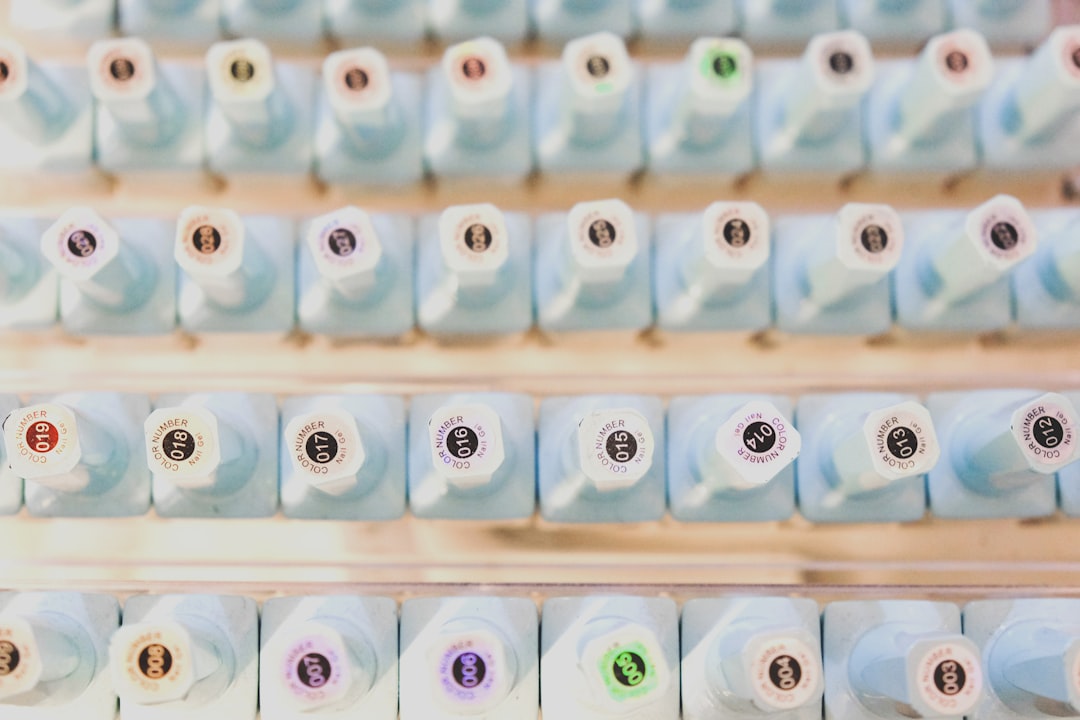
Here's the moment that costs you money: someone scrolls past a balayage transformation, loves the color, and taps through to find your salon. If all they land on is an Instagram bio and a "DM to book" note, half of them are gone. They open a new tab, search "hair salon near me," and grab an 11pm-available slot at the place two ZIP codes over. You never even knew they existed.
Hair is a high-trust, high-dollar decision. Before someone hands you their head for two hours and a couple hundred dollars, they want to see your work, read a few reviews, know what it costs, and confirm there's a Tuesday opening that fits their schedule. A phone number they have to call during business hours doesn't clear that bar anymore — not for a client who's comparing three salons at 10pm on their couch.
The good news: a salon website that does all of this isn't a $5,000 agency project. You can build one yourself in an afternoon. This guide walks through exactly what to put on it, in what order, and why each piece earns its place — so lookers turn into booked chairs instead of into your competitor's calendar.
Start with online booking — everything else supports it
The single job of a salon website is to turn a curious visitor into a confirmed appointment while they're still interested. That means booking has to be the easiest thing on the page, not buried under an "About" tab.
Put a clear Book Now button in the header and repeat it after your gallery and after your reviews — the three moments a visitor is most likely to feel "yes, I want this." You have two solid paths:
- Embed your existing booking tool. If you already use Vagaro, Booksy, GlossGenius, Square Appointments, or Schedulicity, most of them give you a link or an embed you can drop straight onto the page. Don't rebuild your calendar — just make the button obvious.
- Use a simple request form if you're a booth renter or brand-new and don't have a system yet. Name, phone, service, and two or three preferred times is enough to start a conversation. You can upgrade to real-time booking later.
Whatever you choose, the test is the same: a stranger on their phone should be able to book without calling, without emailing, and without a single moment of "wait, how do I do this?"
Build a services menu with real prices (or honest ranges)
The number one question a new client has is "what will this cost me?" — and the salons that answer it plainly win the booking. Hiding prices to "get them in the door for a consult" mostly just sends price-conscious clients to a competitor who was upfront.
Color and specialty work is where this matters most, because the price gap between services is huge and the names are confusing to non-pros. Lay it out clearly:
- Cuts & styling — women's cut, men's cut, blowout, updo.
- Color — root touch-up, all-over color, gloss/toner.
- Dimensional & specialty color — partial and full highlights, balayage, foilyage, color correction.
- Extensions — installation, move-up/maintenance, and whether hair cost is included.
- Add-ons & treatments — Olaplex/bond builder, deep conditioning, keratin.
If a service genuinely varies — balayage, extensions, and color corrections almost always do — use an honest range and say what drives it: "Balayage from $180, final price depends on hair length, density, and how many sessions your goal takes." A range plus a reason reads as expertise, not evasion. A blank where the price should be reads as "expensive" to the exact clients you'd most like to filter in or out early.
Make the before-and-after gallery your best salesperson
Nobody books color off a paragraph. They book it off proof. Your gallery is doing more selling than any headline you'll ever write, so treat it like the centerpiece it is.
- Lead with transformations, not just pretty results. A brassy grow-out turned into a seamless balayage tells a story a single glamour shot can't. Before-and-after pairs are the most persuasive images you own.
- Shoot in consistent, natural light. Same corner of the salon, same window, no heavy filters. Color clients have been burned by Instagram magic and are actively looking for salons whose photos look real.
- Show range, then depth. A few blondes, a few brunettes, a vivid, an extension install, a curly cut. A visitor should be able to find someone with their hair type and their goal within a couple of scrolls.
- Caption the hard ones. "Color correction, two sessions" or "18-inch tape-in extensions" sets expectations and quietly justifies the price before they ever reach the menu.
Compress your photos so the page loads fast on a phone — a gorgeous gallery that takes six seconds to appear gets scrolled past before it renders.
Introduce your stylists — people book people
Clients don't book "the salon." They book Maya who does their balayage or Chris who's the only one they trust with a fade. Especially in a multi-chair shop, stylist bios turn a faceless business into people someone wants to sit with.
Give each stylist a short, human profile:
- A real photo — friendly, well-lit, not a stock headshot.
- Their specialties in plain words: "Blonding & lived-in balayage," "Curly cuts & texture," "Vivids & color correction," "Extensions."
- A sentence of personality — how long they've been behind the chair, what they love doing, what a first visit with them feels like.
- If your booking tool supports it, a book with [name] link straight from their bio.
This also protects you when a stylist is fully booked: a client who came for Maya might happily try Chris after reading that he specializes in exactly their hair. Bios spread demand across your whole team instead of bottlenecking it on your busiest chair.
Put reviews and trust signals where doubt happens
A first-time client is quietly nervous — new salon, real money, a result they can't undo. Reviews are how you answer that nerve without saying a word. Don't hide them on a testimonials page nobody visits; place a few of your strongest right next to your booking button and gallery, where the hesitation actually lives.
- Use specific quotes, not "great service!" A review that says "first stylist to nail my curl pattern in years" or "fixed a box-dye disaster and my hair still feels healthy" does real persuasion work.
- Show where they're from. A note like "see all our reviews on Google" with a link lets skeptics verify — and the willingness to link out is itself a trust signal.
- Add the practical trust details too: your address with a map, parking or transit notes, hours, a cancellation policy, and whether you take walk-ins. These quietly remove the small reasons people stall.
Keep your reviews current. A newest review from two years ago makes a visitor wonder what changed. A steady trickle of recent ones says "this place is busy and consistent right now."
Add gift cards and grab the moment you'd otherwise lose
Gift cards are the most underused revenue line in a salon website. Every holiday, birthday, and "treat yourself" moment is someone hunting for a present — and if your site can't sell one at 9pm, they buy a Sephora card instead.
- Sell them online. If your booking or payment platform issues digital gift cards, link that flow prominently, especially heading into November and December.
- Frame them as experiences, not amounts. "Gift a balayage" or "Gift a cut & gloss" lands better than a blank dollar field — it tells the buyer they're giving something specific and nice.
- Keep them visible year-round. Mother's Day, graduations, and "sorry I missed your birthday" happen in every month, not just December.
The mechanics can be as simple as a payment link plus an email, or a full digital card if your platform supports it. Either way, you've captured a sale that had nowhere else to go — and often introduced a brand-new client who'll come back on their own dime.
Put it live — and keep it a living page
You don't need to design any of this from scratch. A purpose-built hair salon website template already has the booking button, service menu, gallery, and stylist sections laid out in the right order — you swap in your photos, prices, and team and you're done. You can build your site free and have it online the same afternoon.
Before you share the link, run through a quick checklist:
- Book a fake appointment on your phone — if any step is confusing to you, it's worse for a stranger.
- Every price and stylist name is current.
- The page loads fast and looks right on a phone, since that's where most clients will see it.
- Your address, hours, and phone number match what's on Google.
Then treat it as living, not finished. Add fresh before-and-afters monthly, update prices when they change, and rotate in new reviews. Fifteen minutes of upkeep keeps the page selling for you around the clock — including at 11pm, when your competitor's "call to book" note is the reason that client is now yours.
Frequently asked questions
Do I really need a website if my salon is already on Instagram and booking apps?
Instagram builds desire and booking apps take the appointment, but neither is a home base you control. A website is where a client who found you anywhere can see your prices, full gallery, stylist bios, reviews, and hours in one place — and it's what shows up when someone searches your salon by name or "hair salon near me" on Google. Think of it as the hub your Instagram and booking link both point to, not a replacement for either.
Should I list my prices or keep them private until the consultation?
List them, at least as honest ranges. Price is the first thing most new clients want to know, and a blank where the number should be reads as "expensive" and sends comparison shoppers elsewhere. For variable work like balayage, extensions, or color corrections, a range with a reason — "from $180, depending on length, density, and number of sessions" — reads as expertise and pre-qualifies clients so your consultations start on the same page.
How much does it cost to build a hair salon website?
It ranges from free to several thousand dollars. A custom agency build can run into the thousands, but you don't need one to start. Using a salon-specific website builder, you can put up a professional site with booking, a price menu, gallery, and stylist bios yourself in an afternoon at little or no cost, then upgrade later if you want a custom domain or extra features.
Ready to put your business online?
Build your website in minutes — free to start.
Build my free website