Website for hair salons in minutes
A client scrolls past your balayage transformation, wants that color, and searches for your salon — if all they find is an Instagram bio and a "call to book" note, they book the salon two ZIP codes over that let them grab a slot at 11pm. Hair is a high-trust, high-dollar decision: people want to see your work, read your reviews, and know a Tuesday opening exists before they commit. With Tavoren you launch a real hair salon website in minutes, with online booking, a service and pricing menu, and a before-and-after gallery — so lookers turn into booked chairs.
A hair salon website built with Tavoren
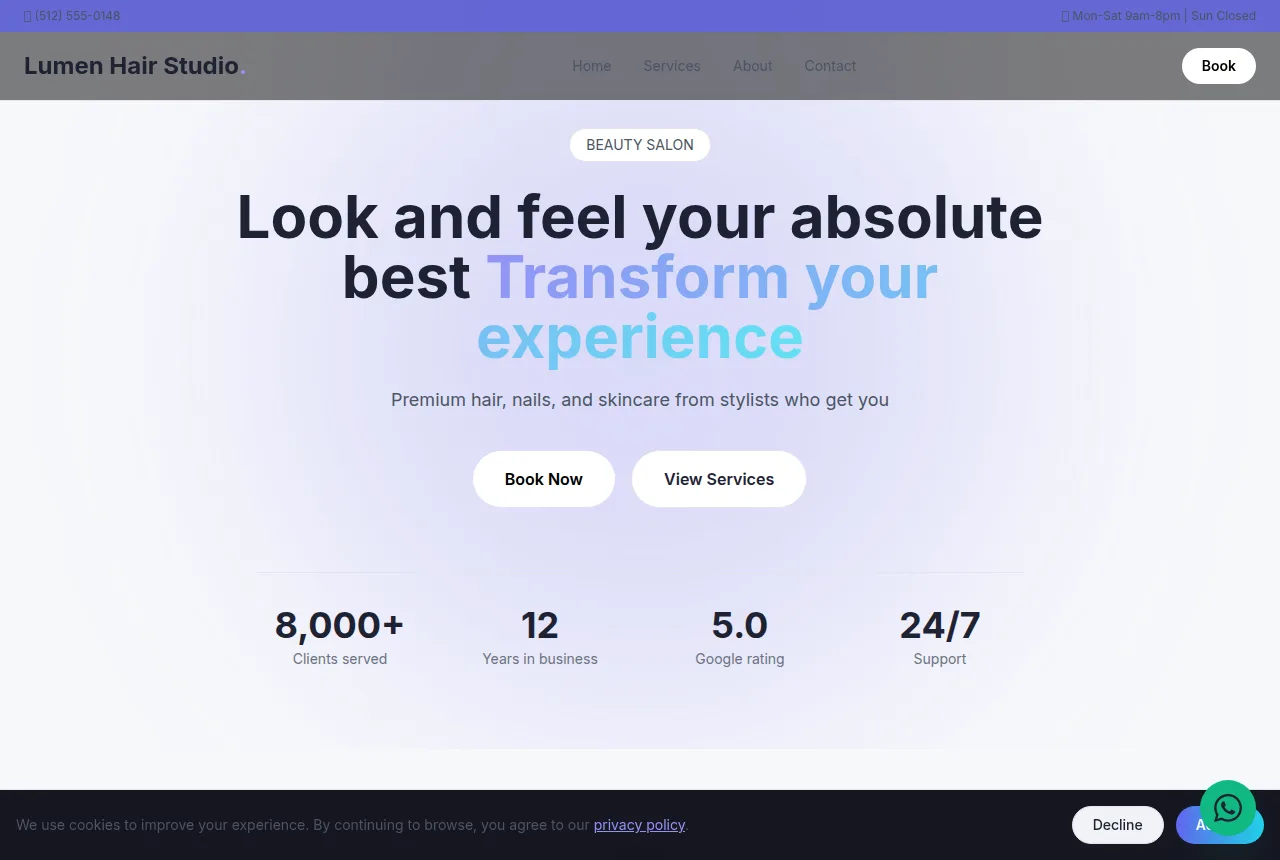
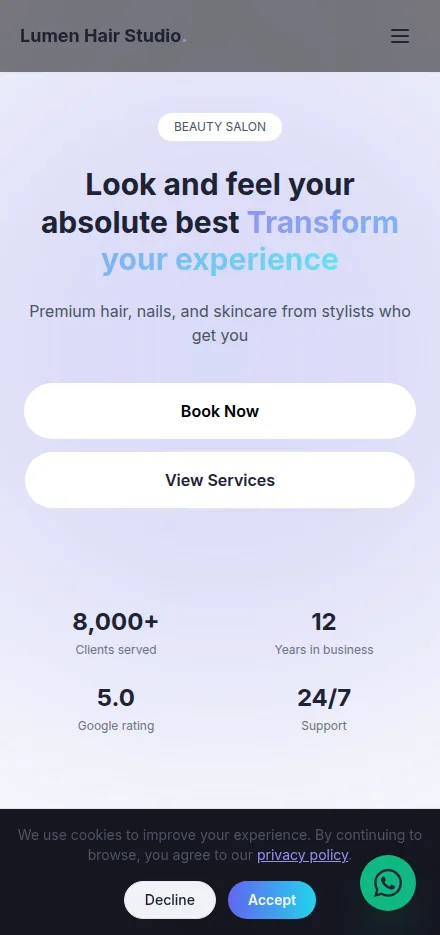
Built in minutes, fully editable and responsive. Build yours now →
Why a hair salon website matters
Online booking that fills chairs while your stylists stay behind them
A before-and-after gallery of cuts, color and extensions that sells the transformation
Publish free on your own domain or download the finished site as a ZIP
What a hair salon website needs
Tavoren already builds your site with every section — you just adjust the content.
Online booking by stylist and service
Clients pick the stylist, choose the exact service and grab an open time right on the site — no phone tag, no DMs during a color process. It cuts the front-desk load and keeps every stylist's book full instead of leaving gaps between appointments.
Service menu with real pricing
Cut and style, root touch-up, full highlights, balayage, keratin, extensions, blowout and updos — each with a starting price and a time block. Upfront pricing filters out sticker-shock cancellations and clients arrive knowing what they booked and what it runs.
Before-and-after portfolio gallery
Real photos of your color corrections, balayage, vivids and cuts, sorted so a new client can find their hair type and goal. Transformation shots are the single most persuasive thing on a salon site — people book the result they can already picture on themselves.
Meet the stylists and their specialties
Each stylist gets a headshot, a specialty (blonding, curly cuts, extensions, color correction) and an Instagram handle. Clients bond with a specific chair and rebook by name, and your newer stylists build a following of their own.
Reviews and social proof
Pull in your Google and Yelp star rating and feature real client quotes about the color that finally lasted or the stylist who nailed their curls. Salon choice runs on reputation — visible five-star proof turns a curious visitor into a first-time booking.
Location, hours and one-tap contact
A map, address, parking notes, hours and buttons to call, text or get directions. The person searching "hair salon near me" has to see you're close, open, and reachable in one tap or they scroll to the next result.
Tips to make your hair salon website win more clients
Small details that make a difference on Google and when closing.
Fill the gallery with your own before-and-after shots rather than stock photos; a real color transformation proves the result is genuinely yours and converts far better than a polished catalog image.
Name the services people actually search for — "balayage," "color correction," "keratin treatment," "tape-in extensions" — so those keywords pull in clients hunting for that exact work.
Put your city and neighborhood in the title ("hair salon in [neighborhood], [city]") to mirror how people search "hair salon near me" on Google and Maps.
Right after checkout, ask a happy client for a Google review and show the star rating on your site — ratings are how people decide between two salons on the same block.
Your hair salon website in 3 steps
Pick your niche
Select "hair salon" and a professional layout made for it.
Customize
Adjust colors, text, images and your contact details in a few clicks.
Publish
Your site goes live instantly, with its own link to share.
Frequently asked questions
Can clients book a specific stylist and service online?
Yes. Your booking section lets clients choose the stylist, pick the exact service — cut, balayage, root touch-up, extensions — and grab an open time slot themselves, 24/7. Each stylist's book stays full without the front desk juggling calls in the middle of a color service.
How do I show my color and cut work on the site?
Every hair salon template includes a gallery built for before-and-after transformation photos. Upload your own balayage, color correction, vivids and cut shots and sort them by service, so a new client can find their hair type and picture the result on themselves before they book.
Is the hair salon website really free to publish?
Yes. Build and publish your salon site free on your own domain, or export the finished site as a ZIP and host it wherever you like. No credit card to launch and no lock-in on where it lives.
Ready to put your hair salon online?
Build your free site now — it takes less than 5 minutes.
Build my free site