Website for nutritionists in minutes
Before anyone books a nutritionist, they want to know two things: can this person actually help with my situation, and will my insurance cover it. If your only presence is an Instagram grid or a Psychology Today blurb, you're losing the client who wants to read your approach and check whether you take their PPO first. With Tavoren you launch a clean, credible website in minutes — your specialties, your credentials, how sessions work, whether you're in-network or superbill-only, and a discovery-call button — so the right clients show up already sold instead of quietly bouncing to the next dietitian.
A nutritionist website built with Tavoren
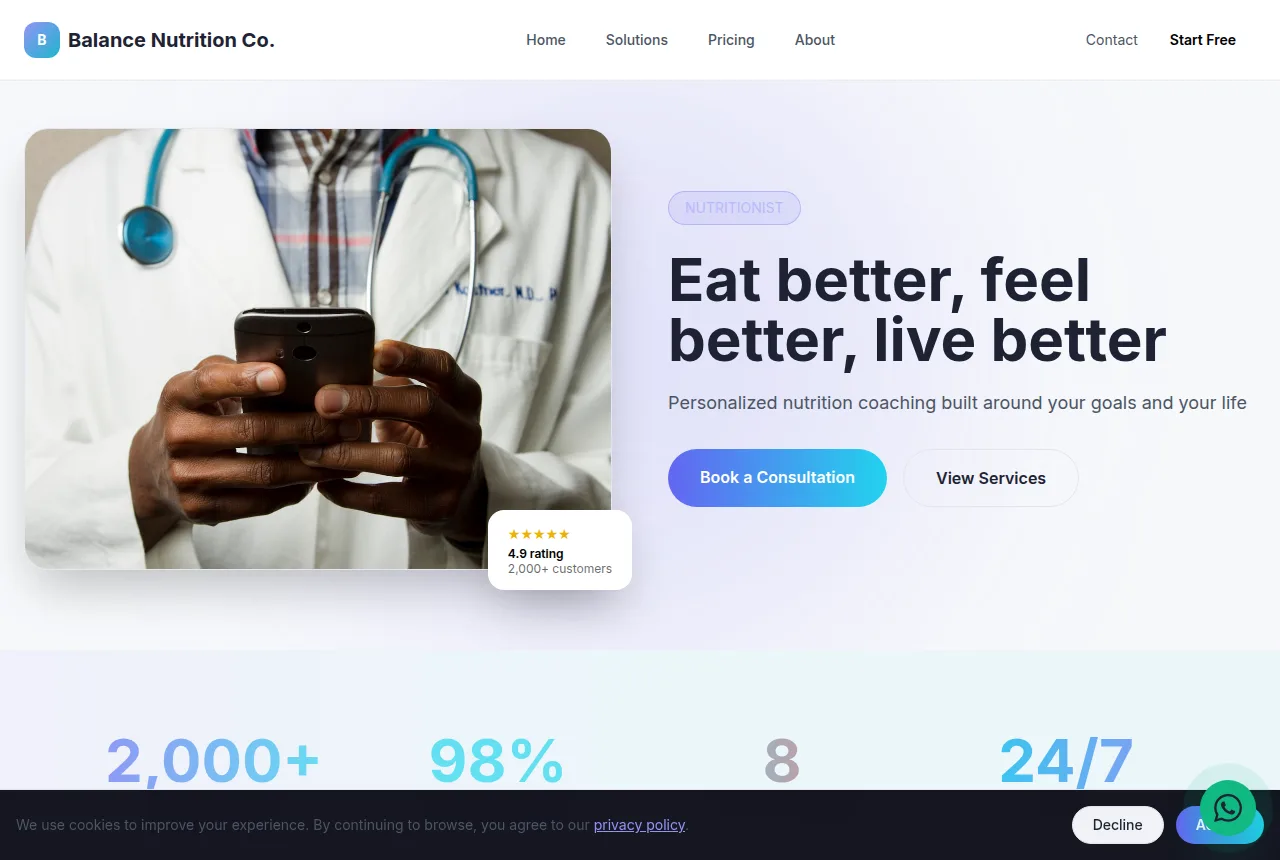
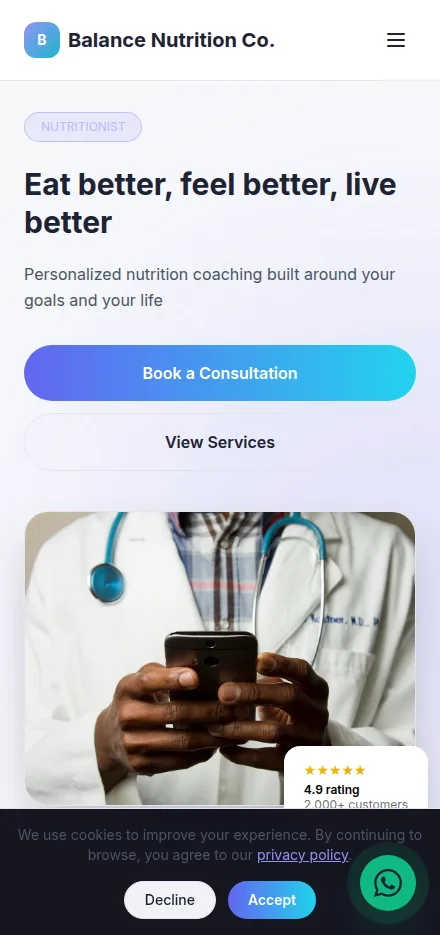
Built in minutes, fully editable and responsive. Build yours now →
Why a nutritionist website matters
A discovery-call button that turns "just looking" into a booked intake
Insurance and credentials spelled out up front, so clients self-qualify before they reach out
Publish free on your own domain, or download the finished site as a ZIP
What a nutritionist website needs
Tavoren already builds your site with every section — you just adjust the content.
Book a discovery call or intake
One clear button to schedule a free 15-minute discovery call or a paid intake session, right on the site. It captures the person who's ready today instead of forcing them to hunt for your email and think twice about it.
Services and how you work
Lay out what you actually do — weight management, gut health and IBS, prenatal and postpartum nutrition, diabetes and pre-diabetes, sports nutrition, disordered-eating support — plus whether sessions are virtual, in-person, or both. Specificity is what makes someone think "that's exactly my problem."
Insurance, superbills and payment
State plainly which plans you're in-network with, whether you provide a superbill for out-of-network reimbursement, and if you accept HSA/FSA cards. Coverage is the #1 question every prospective client has, and answering it up front kills the biggest reason people never book.
Credentials and your story
Your RD/RDN, your state license (LDN/CDN), where you trained, and the health story or philosophy behind your practice. Nutrition advice only lands if people trust the source, and a real face with real credentials beats an anonymous meal-plan pitch every time.
Client results and reviews
Before-and-after wins, testimonials, and your Google star rating in one section. People choose a nutritionist on proof that others like them got results — social proof does the selling you'd otherwise do on a free call.
Location, telehealth reach and contact
A map and address if you see clients in person, the states you're licensed to practice telehealth in, plus one-tap call, text and email. The person searching "nutritionist near me" or "virtual dietitian in [state]" has to see instantly that you can work with them.
Tips to make your nutritionist website win more clients
Small details that make a difference on Google and when closing.
Answer the insurance question before anyone has to ask it: a plain line like "in-network with Aetna and Cigna, superbills provided for everyone else" ranks for those searches and pre-qualifies the people who reach out.
Work your city and specialty into the page title ("prenatal nutritionist in Austin" or "virtual dietitian for IBS") so it matches the exact phrases clients type into Google.
Add a short FAQ covering cost per session, session length, and how a superbill actually works — these are the last things people check before they commit.
When a client hits a milestone, that's your moment to ask for a Google review; feature the star rating on-site, since a named result outperforms any credential list for winning new clients.
Your nutritionist website in 3 steps
Pick your niche
Select "nutritionist" and a professional layout made for it.
Customize
Adjust colors, text, images and your contact details in a few clicks.
Publish
Your site goes live instantly, with its own link to share.
Frequently asked questions
Can I show which insurance plans I accept and offer superbills on the site?
Yes. You can add a dedicated section listing your in-network plans (Aetna, Cigna, United, etc.), state clearly that you provide superbills for out-of-network reimbursement, and note whether you accept HSA/FSA cards. Coverage is the first thing prospective clients check, so putting it front and center means the people who reach out are already a fit.
Does the site work if I'm a virtual dietitian seeing clients across several states?
Absolutely. You can list every state you're licensed for telehealth, point the whole site at booking virtual intakes, and drop the physical-map section entirely. That way someone searching "virtual nutritionist in [state]" sees right away that they can work with you, no in-person office required.
Do I need a designer or any coding to build it?
No. You pick a layout, drop in your specialties, credentials, insurance details and booking button, and hit publish — no code, no designer. When it's ready, host it free on your own domain, or export the entire site as a ZIP and put it anywhere you like.
Ready to put your nutritionist online?
Build your free site now — it takes less than 5 minutes.
Build my free site