Free Website Builder for Clothing Stores in minutes
You post a new drop on Instagram, the comments fill up with "size?" and "how do I order?", and by the time you DM everyone back half the interest is gone. Selling clothes through a comments thread and a Venmo handle only gets you so far. With Tavoren you launch a real storefront in minutes — product photos, sizes and colors, a cart, and a checkout that takes the order while you sleep. Shoppers browse the lookbook, pick their size, add to cart, and pay, and you wake up to sales instead of a backlog of "is this still available?" messages.
A clothing store website built with Tavoren
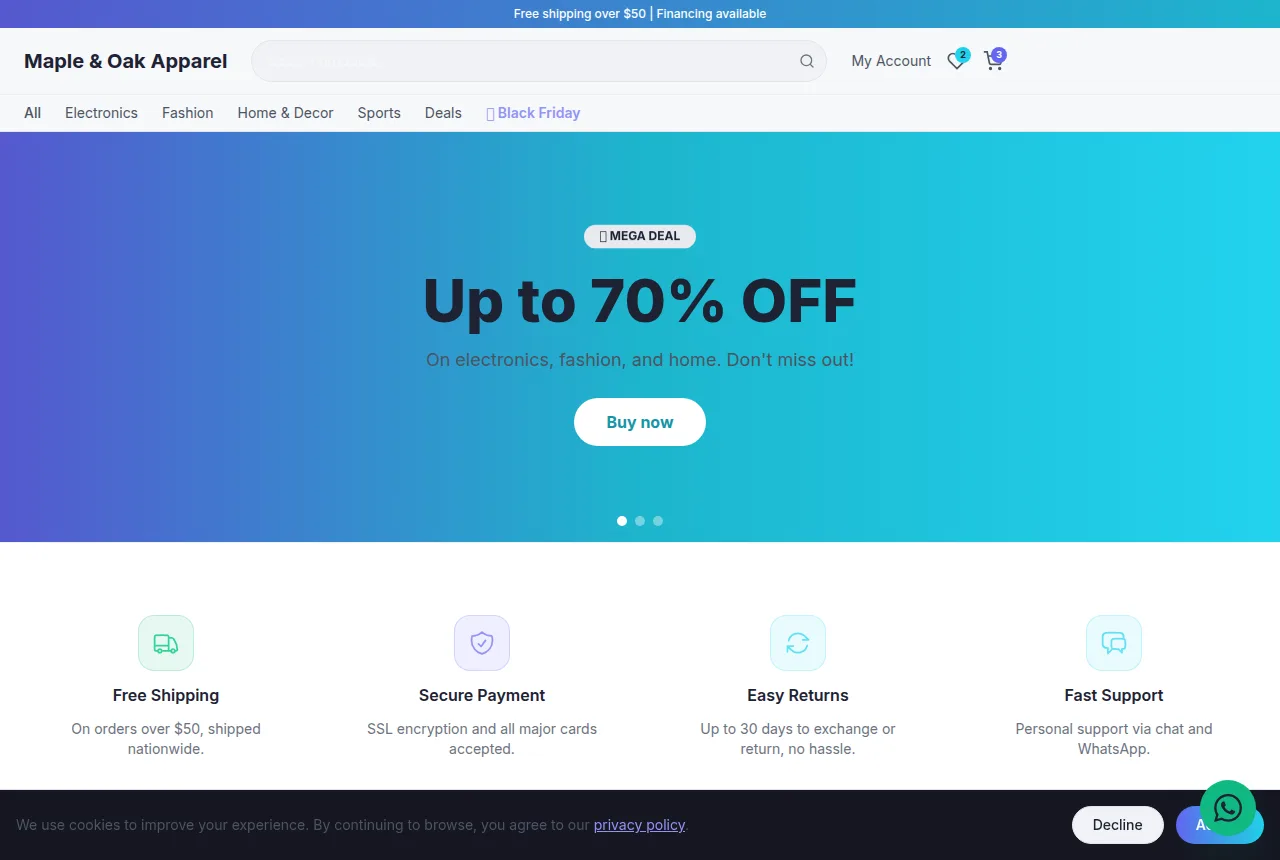
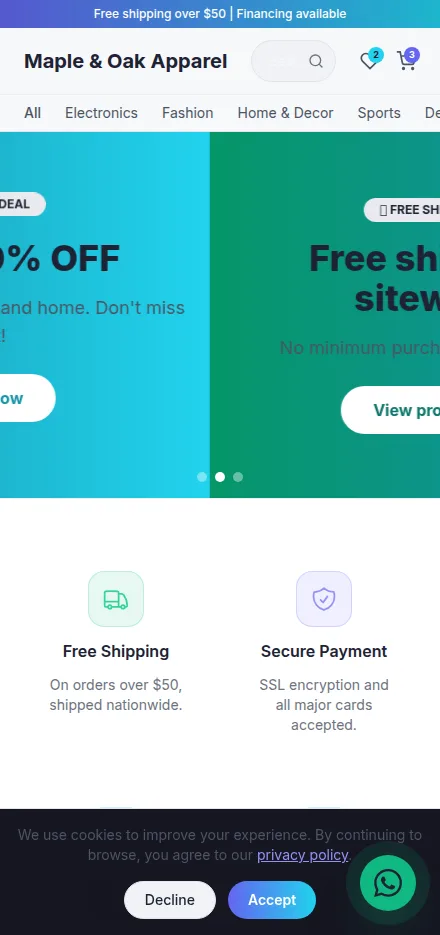
Built in minutes, fully editable and responsive. Build yours now →
Why a clothing store website matters
A shoppable storefront with sizes, colors, and a real cart — not a DM order line
Clear shipping and return policies up front so shoppers check out with confidence
Publish free on your own domain or export the whole site as a ZIP
What a clothing store website needs
Tavoren already builds your site with every section — you just adjust the content.
Product pages with sizes, colors, and stock
Every piece gets its own page with size and color options, a size chart, and stock that shows what's actually left. Shoppers stop asking "do you have a medium?" because the page already answers it, and you stop overselling a shirt that's gone.
A lookbook that sells the fit
Photograph each piece on a real person from a few angles, front and back, styled the way you'd wear it. Clothing sells on how it drapes and moves — a flat product shot on a hanger never closes the way an on-body look does.
Cart and checkout that works on a phone
Most of your traffic comes off Instagram on a phone, so the cart and checkout are built for a thumb — add to cart, pick the size, pay, done. Fewer taps between the drop and the order means fewer carts left behind.
Shipping, returns, and exchanges spelled out
A plain page with your shipping timelines, flat rate or free-over-threshold, and how exchanges and returns work. Sizing is the number-one reason apparel gets sent back — a clear exchange policy is what turns a hesitant first-timer into a buyer.
Collections and new arrivals
Group your catalog into collections — new arrivals, tops, denim, the seasonal drop — so shoppers browse the way they think. A pinned "New Arrivals" section gives repeat customers a reason to keep checking back.
Your story and the brand behind it
An about section with who you are, where the pieces are made, and what the label stands for. Independent apparel buyers want to know the brand behind the tag — that story is what earns the follow and the second order.
Tips to make your clothing store website win more clients
Small details that make a difference on Google and when closing.
Shoot your own on-body photos in consistent, natural light against a clean backdrop — a scrappy but real lookbook converts far better than borrowed stock imagery, and it's what makes your feed and your storefront feel like the same brand.
Write a size chart with real garment measurements in inches, not just S/M/L — sizing doubt is the biggest thing killing apparel carts, and exact numbers head off both the abandoned checkout and the return.
Target search terms your customers actually type, like "women's linen dresses" or "[your city] streetwear brand," instead of the generic word "clothing" — specific, intent-heavy phrases are what pull qualified shoppers off Google.
Add alt text describing each garment ("olive green oversized flannel shirt") to every product photo — it helps you show up in Google Images, where a lot of apparel discovery quietly starts.
Your clothing store website in 3 steps
Pick your niche
Select "clothing store" and a professional layout made for it.
Customize
Adjust colors, text, images and your contact details in a few clicks.
Publish
Your site goes live instantly, with its own link to share.
Frequently asked questions
Can I list the same item in multiple sizes and colors?
Yes. Each product page carries its own size and color options with a size chart, so a shopper picks their fit right there. You set what's in stock for each variant, which keeps you from selling a small that already sold out.
How do customers pay and how do I handle shipping?
Shoppers add pieces to a cart and check out on the site — no more collecting orders through DMs and payment app handles. You publish your shipping rates and timelines on a dedicated page so buyers see the cost and the wait before they commit, which cuts down on "where's my order?" messages.
Can I show my return and exchange policy clearly?
Yes, and for a clothing store you should. Fit and sizing drive most apparel returns, so a clear exchange and return page up front actually wins you sales — first-time buyers are far more willing to try a size when they know they can swap it without a hassle.
Ready to put your clothing store online?
Build your free site now — it takes less than 5 minutes.
Build my free site