Website for dentists and dental practices in minutes
Before a patient ever calls your office, they Google your practice, scan your reviews, and decide whether they trust you to hold a drill near their face. Choosing a dentist runs on trust and a little anxiety — people want to know it won't hurt, the office looks clean, and their insurance is accepted before they commit. With Tavoren you publish a polished dental website in minutes: your treatments, your team's credentials, real before-and-after photos, and a book-online button that sends new patients straight to your calendar. No developer, no phone tag, no month-long wait — publish free on your own domain or download the ZIP.
A dental practice website built with Tavoren
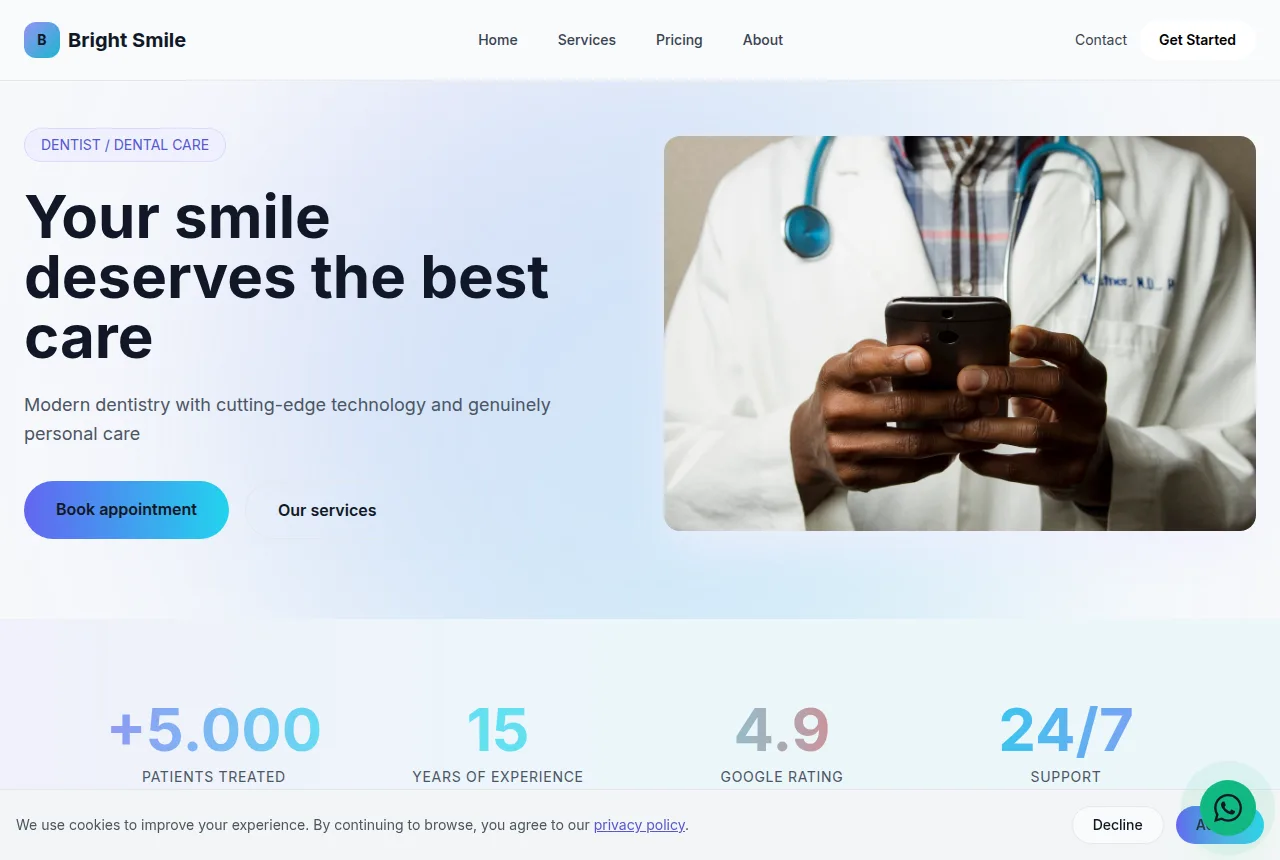
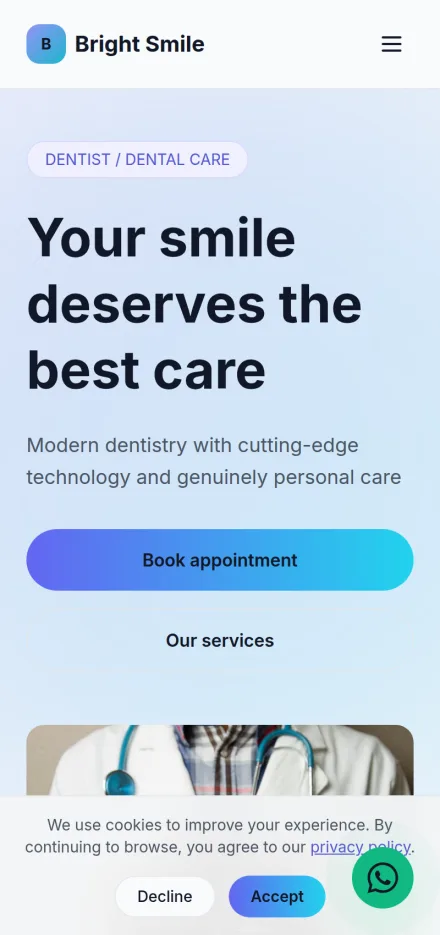
Built in minutes, fully editable and responsive. Build yours now →
Why a dental practice website matters
Online booking and appointment requests that land straight in your inbox or text, so front-desk phone tag stops eating the day
A calm, spotless-looking site that answers the two silent questions every patient has — will it hurt, and do you take my insurance
Publish free on your own domain or download the finished site as a ZIP and host it anywhere
What a dental practice website needs
Tavoren already builds your site with every section — you just adjust the content.
Online booking and new-patient contact
A prominent "Request an appointment" button and a short new-patient form that captures their name, reason for visiting, and insurance — routed to your desk instantly. Most people won't call during business hours from a cubicle; a form they can send at 10pm is what fills tomorrow's chairs.
Treatments and specialties
Cleanings and checkups, fillings, crowns, root canals, implants, Invisalign and orthodontics, whitening, veneers, and emergency care — each in its own clear section. A patient with a cracked tooth or a kid who needs braces books when they instantly see you handle that exact thing.
Before-and-after gallery
Real case photos of veneers, implants, whitening, and smile makeovers you've actually done. Cosmetic patients buy the result before they buy the appointment — seeing a genuine transformation does more than any paragraph of copy ever could.
Meet the team and credentials
A warm headshot, dental school, years in practice, memberships (ADA, AGD), and continuing-education focus for each dentist and hygienist. Putting a friendly face and real qualifications on the page turns a nervous first-timer into someone who trusts you with a needle.
Reviews and Google rating
Your star rating and real patient stories — the gentle hygienist, the painless filling, the office that fit them in same-day — pulled front and center and linked to your Google profile. Nothing calms dental anxiety like proof that people before them left happy and unhurt.
Location, hours, and insurance
Address, a one-tap map and directions, opening hours, and a clear list of the PPO plans and insurance you accept, with a note on financing or membership plans for the uninsured. "Do you take my insurance and where are you?" is the last gate before booking — answer it upfront and they don't bounce to check a competitor.
Tips to make your dental practice website win more clients
Small details that make a difference on Google and when closing.
Spell out the PPO and insurance plans you accept somewhere obvious — "do you take my insurance?" is the single biggest reason a ready-to-book patient closes the tab and dials the practice down the street instead.
Show your real office, your real team, and your own before-and-after cases. Clean operatories and genuine smile transformations settle a nervous patient far faster than stock photos of models with flawless teeth.
Work your city or neighborhood into the page title ("family dentist in [city]", "[neighborhood] dental office") — a patient in pain types the location right alongside the search, and matching it is how you surface.
Anchor a "Book Appointment" button to every screen so it follows the patient as they scroll. On a phone, someone hurting who can't spot how to book within seconds is already back on the results page.
Your dental practice website in 3 steps
Pick your niche
Select "dental practice" and a professional layout made for it.
Customize
Adjust colors, text, images and your contact details in a few clicks.
Publish
Your site goes live instantly, with its own link to share.
Frequently asked questions
Can patients request an appointment straight from the site?
Yes. A booking form plus a text-or-call button routes each request straight to the front desk, so patients lock in a slot without a back-and-forth of missed calls and voicemails.
Can I show before-and-after cases and list treatments like implants or whitening?
You can. A before/after gallery proves the quality of your work to a first-time patient, and every treatment — implants, orthodontics, root canal, whitening — gets its own labeled section so people land on exactly what brought them in.
Will the site help me show up for searches like "dentist near me"?
That's what it's tuned for. Weave your city into the title and copy, drop in your address, map, and hours, and spell out the insurance you take — the precise details a patient weighs before picking a practice.
Ready to put your dental practice online?
Build your free site now — it takes less than 5 minutes.
Build my free site