A Free Website for Your School in minutes
When a family moves into your district, the first thing they do is look your school up online. They want to see the calendar, how enrollment works, what tuition runs, and whether their kid will be safe and known. If all they find is a stale PDF or a Facebook page that stopped in 2022, they wonder what else you've let slip. With Tavoren you publish a clean, up-to-date school website in an afternoon — enrollment info, the academic calendar, staff bios and quick contact — so prospective parents get real answers and current families stop emailing the front office the same three questions.
A school website built with Tavoren
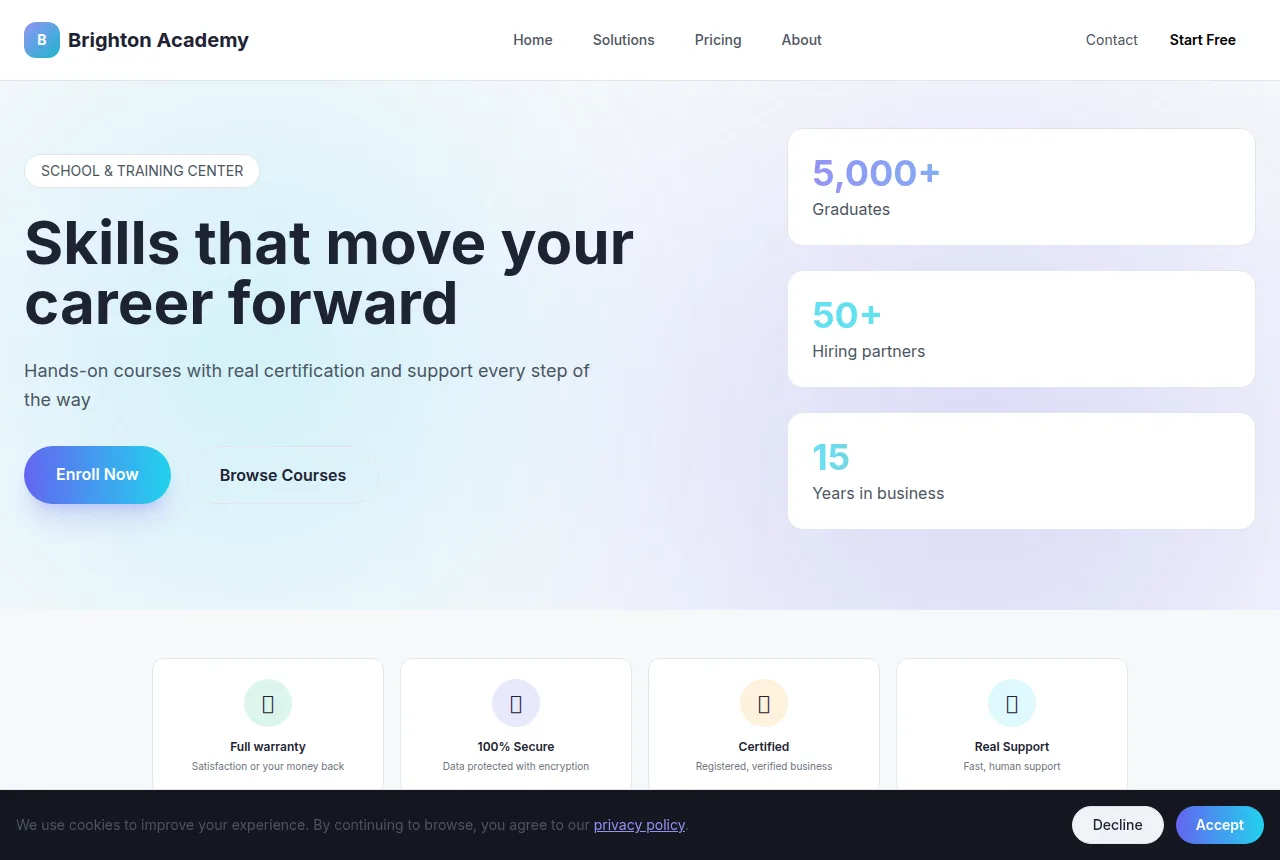
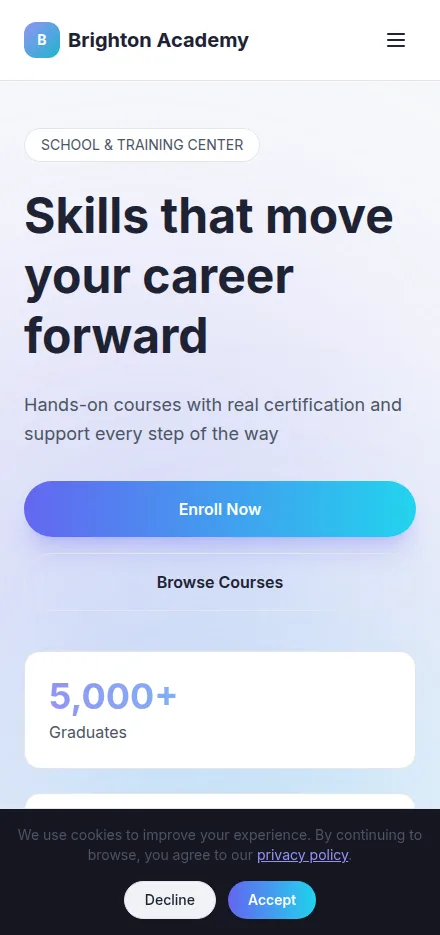
Built in minutes, fully editable and responsive. Build yours now →
Why a school website matters
Enrollment and tuition laid out clearly so families know how to apply and what it costs
An academic calendar and announcements page that cuts down on front-office calls
Publish free on your own domain or download the finished site as a ZIP
What a school website needs
Tavoren already builds your site with every section — you just adjust the content.
Enrollment and admissions
Walk families through applying step by step — open house dates, required forms, immunization records, deadlines and how to schedule a tour. When the path to enroll is obvious, more prospective parents actually finish it instead of drifting to the school down the road.
Tuition, fees and financial aid
Post tuition by grade level, registration and materials fees, payment plans and any scholarship or aid options. Parents research cost early; being upfront builds trust and filters for families who are a real fit for your program.
Academic calendar and bell schedule
Keep the year's calendar in one place — first and last day, holidays, teacher work days, early releases and exam weeks — plus the daily bell schedule. It's the page parents bookmark, and it stops a dozen 'is there school Friday?' calls.
Programs and curriculum
Show what sets you apart — STEM, dual language, arts, athletics, AP or honors tracks, special education services and after-school care. Families are choosing a fit for their child, so make your strengths easy to find.
Faculty and staff directory
Give teachers and administrators a photo, a name, the grade or subject they teach and a contact. Parents feel better trusting people they can see, and it routes questions to the right person instead of the general voicemail.
News, events and announcements
Post picture day, spirit week, PTA meetings, fundraisers, snow-day closures and report card dates. A live announcements feed keeps current families in the loop and shows visitors the school is active and cared for.
Tips to make your school website win more clients
Small details that make a difference on Google and when closing.
Put your city and grade range in the page title (for example, 'K-8 private school in [city], [state]') — that's how parents search when they're comparing schools in their area.
Keep the academic calendar and any closures updated to the day. It's the most-visited page on a school site, and one wrong date there erodes trust faster than anything else.
Feature real photos of your classrooms, hallways and student work instead of stock images — families can tell the difference, and authentic shots of your campus are what make them book a tour.
Collect a few short parent testimonials and post them by grade level; a quote from a current kindergarten family carries more weight with a prospective one than any list of features.
Your school website in 3 steps
Pick your niche
Select "school" and a professional layout made for it.
Customize
Adjust colors, text, images and your contact details in a few clicks.
Publish
Your site goes live instantly, with its own link to share.
Frequently asked questions
Can parents apply or enroll directly through the site?
Yes. You can lay out the full admissions path — open house dates, downloadable forms, required records and deadlines — and add a contact or request-a-tour button so families reach the front office without digging. It turns your site into the first real step of enrollment instead of a brochure.
How do I keep the academic calendar from going stale?
You edit the site yourself anytime, so updating the calendar, adding a snow-day closure or posting report-card dates takes a couple of minutes. Because it's the page parents check most, keeping it current is the single highest-impact thing you can do on a school site.
Is this a fit for a small private or charter school without a tech team?
That's exactly who it's built for. There's no code and no IT department required — a principal or office administrator can put up enrollment info, tuition and the calendar in an afternoon, then keep it fresh without waiting on a vendor.
Ready to put your school online?
Build your free site now — it takes less than 5 minutes.
Build my free site