Free Website for Your Wellness & Direct Primary Care Clinic in minutes
People are done with rushed, insurance-driven visits — they're searching for a membership clinic, a functional medicine doctor, or a direct primary care practice that actually spends time with them. They want to know what your membership costs, what's included, and whether you offer the unhurried, whole-person care they can't get at a walk-in. If your clinic only lives on a Google listing or a Facebook page, most of them keep scrolling to a practice that lays it out up front. With Tavoren you launch a clean, trustworthy website in minutes — your membership plans, wellness and functional services, providers and philosophy all in one place, with a book-a-visit button that turns a curious search into a new member instead of a missed call.
A health clinic website built with Tavoren
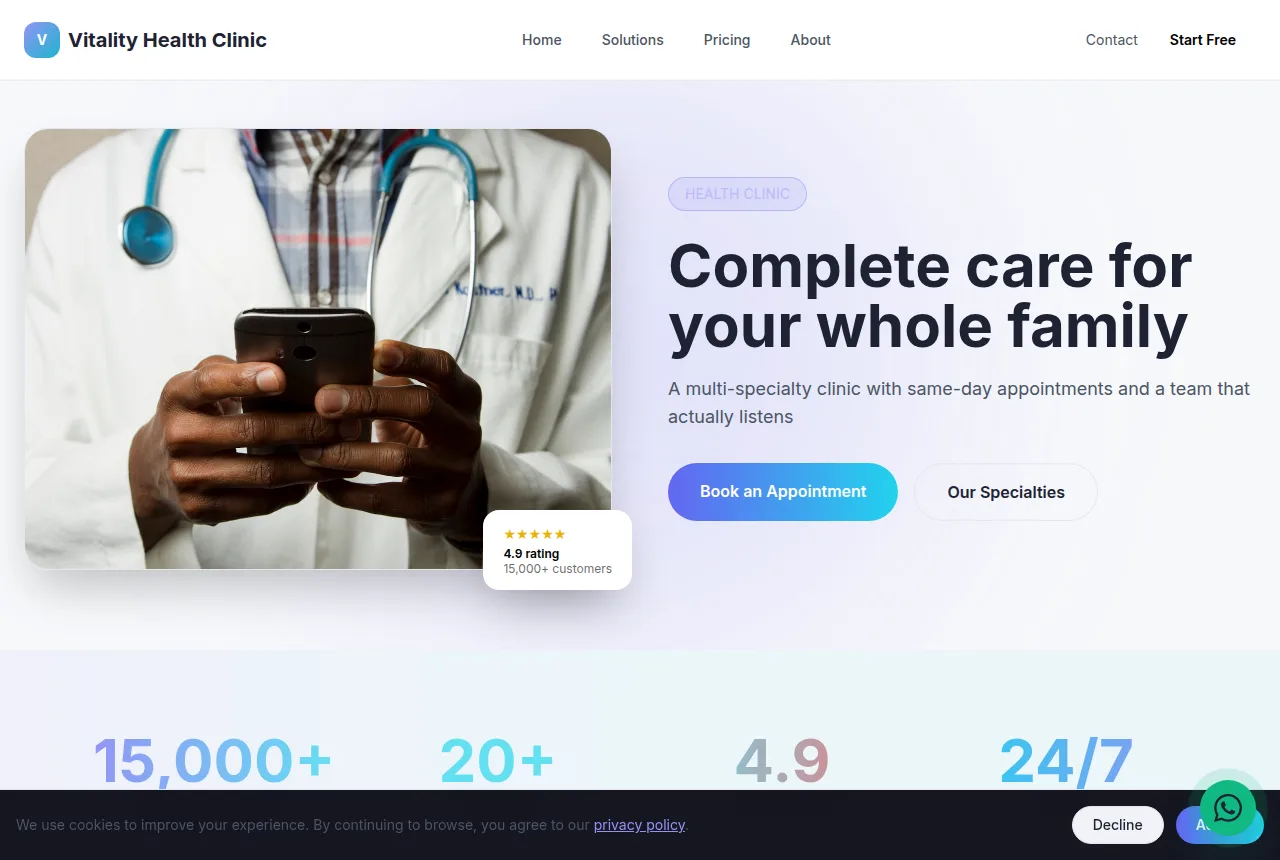
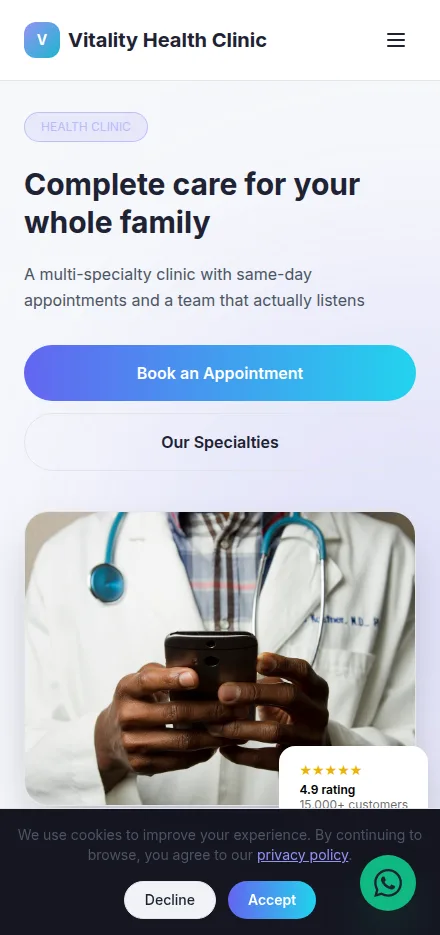
Built in minutes, fully editable and responsive. Build yours now →
Why a health clinic website matters
Request-appointment form that captures new patients while your front desk is on the phone
Insurance, services and hours laid out so patients self-qualify before they call
Publish free on your own domain or download the finished site as a ZIP
What a health clinic website needs
Tavoren already builds your site with every section — you just adjust the content.
Request an appointment online
A simple form takes the patient's name, reason for the visit, preferred day and callback number, then lands straight in your inbox. It catches the after-hours searcher and the caller who hit a busy signal, so no new patient slips away.
Services and conditions you treat
Spell out what you handle — annual physicals, sick visits, chronic care, labs, immunizations, telehealth — so patients know they're in the right place. Clear scope means fewer wrong-fit calls and more visits your providers can actually see.
Insurance and self-pay pricing
List the plans you accept and your cash rates for common visits. "Do you take my insurance?" is the first question every patient asks, and answering it on the page saves your front desk a dozen calls a day.
Meet your providers
Give each physician, PA and nurse practitioner a headshot, credentials and a short bio. Patients trust a face and a name — seeing who they'll actually meet turns a nervous first-timer into a booked appointment.
New patient info and forms
Post what to bring, what to expect at the first visit, and downloadable intake paperwork. Patients arrive prepared, check-in moves faster, and your waiting room stays calm instead of backed up.
Location, hours and directions
A map, address, phone, office hours and walk-in or urgent-care availability, with one-tap call and directions. The person searching "clinic near me" needs to find you and get in the door without friction.
Tips to make your health clinic website win more clients
Small details that make a difference on Google and when closing.
Put your city and specialty in the page title ("family clinic in [city]" or "urgent care in [neighborhood]") — that's the exact phrasing patients type when they're looking for care close to home.
Answer the insurance question in plain text on the page, not buried in a PDF. Patients searching whether you take their plan will pick the clinic that says so out loud over one that makes them call to find out.
Keep a real "Accepting New Patients" line up top and update it — nothing loses a lead faster than a patient booking, then hearing the practice is full.
Ask satisfied patients to leave a Google review after a good visit and feature those stars on the page; in healthcare, reviews from real patients carry more weight than any claim you make about yourself.
Your health clinic website in 3 steps
Pick your niche
Select "health clinic" and a professional layout made for it.
Customize
Adjust colors, text, images and your contact details in a few clicks.
Publish
Your site goes live instantly, with its own link to share.
Frequently asked questions
Can patients request an appointment directly from the site?
Yes. Your site includes a request-appointment form that collects the patient's name, reason for the visit, preferred day and callback number, then delivers it to your inbox so your front desk can confirm the slot. It's an intake and scheduling request tool, not a medical records system, so it stays simple for both sides.
Can I show which insurance plans my clinic accepts?
Absolutely — and you should. Add a dedicated section listing the plans you're in-network with and your self-pay rates for common visits. It's the first thing patients check, and answering it on the page cuts down the "do you take my insurance?" calls your staff fields all day.
Is a Tavoren clinic website HIPAA-compliant?
The website itself is a public marketing and intake page — it doesn't store medical records or protected health information, so it isn't a HIPAA system by design. For appointment requests, keep the form to basic contact details and reason for visit, and handle any clinical information through your existing EHR or secure patient portal.
Ready to put your health clinic online?
Build your free site now — it takes less than 5 minutes.
Build my free site